
Ford Mustang (1999-2004) Service Manual: System Bleeding
1. If required, remove the hydraulic system from the vehicle. Refer to Hydraulic System, Lift Cylinder and Motor in this section.
2. Remove the fill plug at the end of the hydraulic pump.
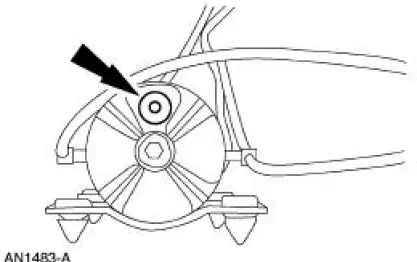
3. Fill the pump with Mercon Multi-Purpose Automatic Transmission Fluid XT-2-QDX or equivalent to the bottom of the fill hole and install the fill plug.
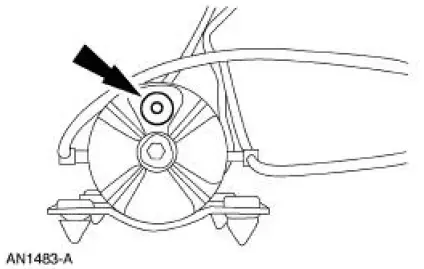
4. NOTE: Some noise squeal may be noticed due to the air in the system.
Connect a 12-volt power source to the motor connector and operate the motor until the cylinders are fully extended. Reverse the 12-volt connection to fully retract the cylinders. Repeat this procedure three times.
5. Remove the fill plug and check the fluid level. Fill the pump with MERCON Multi-Purpose Automatic Transmission Fluid XT-2-QDX or equivalent to the bottom of the fill hole.
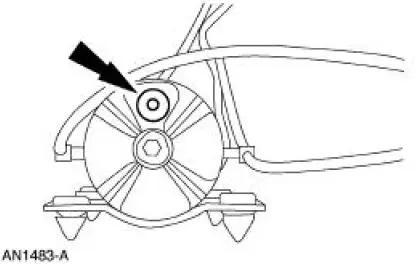
6. Install a fill plug.
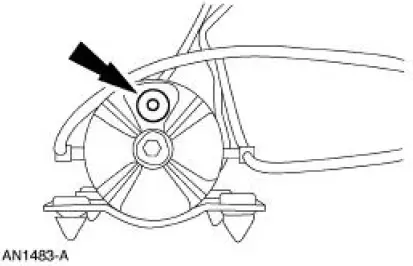
7. Install the hydraulic system in the vehicle. Refer to Hydraulic System, Lift Cylinder and Motor in this section.
 Convertible Top (Diagnosis and Testing)
Refer to Wiring Diagrams Cell 103 , for schematic and connector
information.
Special Tool(s)
73 III Automotive Meter
105-R0057 or equivalent
Principles of Operation
The converti ...

Other materials:
Auxiliary input jack
WARNING: Driving while distracted can result in loss of vehicle
control, crash and injury. We strongly recommend that you use
extreme caution when using any device that may take your focus off
the road. Your primary responsibility is the safe operation of your ...
System Bleeding
1. If required, remove the hydraulic system from the vehicle. Refer
to Hydraulic System, Lift
Cylinder and Motor in this section.
2. Remove the fill plug at the end of the hydraulic pump.
3. Fill the pump with Mercon Multi-Purpose Automatic Transmiss ...
Inspection and Verification
WARNING: Use of any other than the approved DOT 3 brake fluid will
cause permanent
damage to brake components and will render the brakes inoperative.
WARNING: Brake fluid contains polyglycol ethers and polyglycols. Avoid contact
with
eyes. Wash hands thorou ...
