
Ford Mustang (1999-2004) Service Manual: Removal
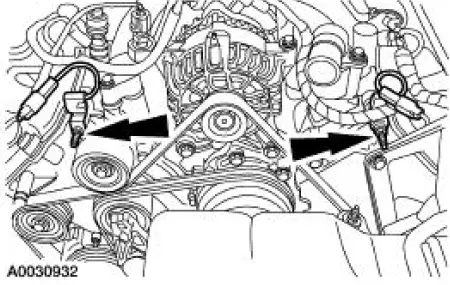
1. Remove the nuts and position the radio ignition interference capacitors aside.
2. Remove the valve covers. For additional information, refer to Valve Cover RH and Valve Cover LH in this section.
3. Remove the cooling fan.
4. Remove the accessory drive belt. For additional information, refer to Section.
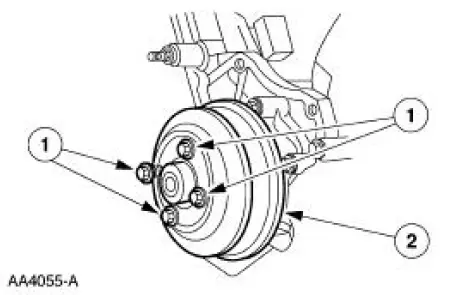
5. Remove bolts (1) and the water pump pulley (2).
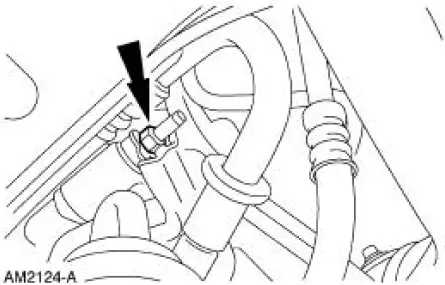
6. Remove the nut and position the A/C muffler aside.
7. Raise and support the vehicle. For additional information, refer to Section.
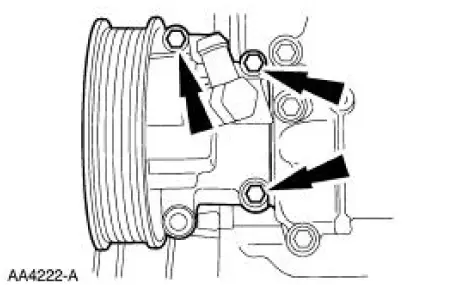
8. Remove the bolts and position the power steering pump aside.
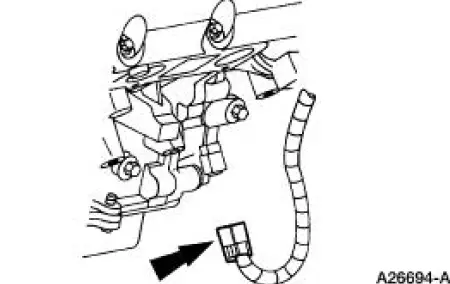
9. Disconnect the crankshaft position (CKP) sensor electrical connector.
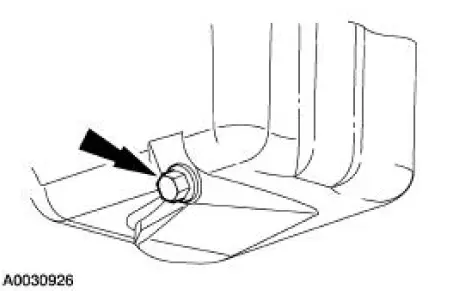
10. Drain the engine oil.
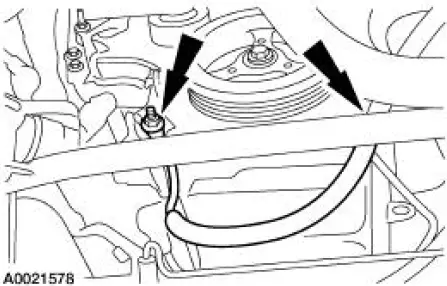
11. Remove the two support nuts and position the battery cable aside.
12. Remove the crankshaft front oil seal. For additional information, refer to Crankshaft Front Oil Seal in this section.
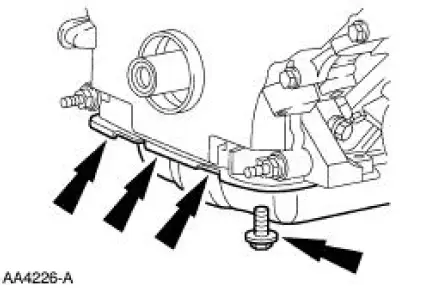
13. Remove the front oil pan bolts.
14. Lower the vehicle.
15. Remove the bolts and position the power steering reservoir aside.
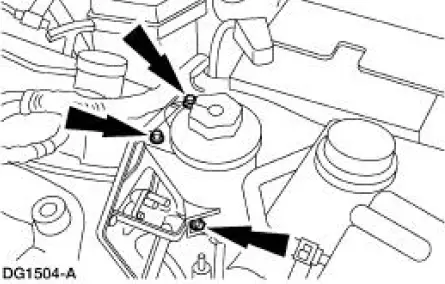
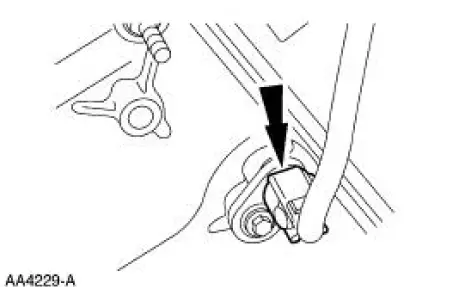
16. Disconnect the camshaft position (CMP) sensor electrical connector.
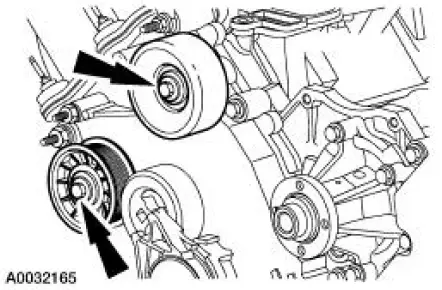
17. Remove the bolts and the belt idler pulleys.
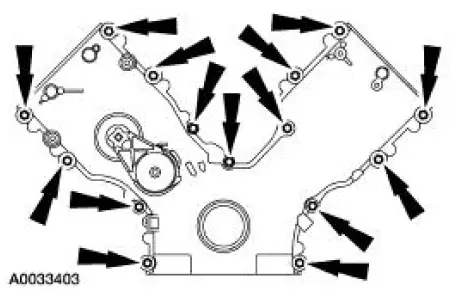
18. Remove the engine front cover bolts and the studs.
- Discard the gaskets. Clean and inspect the sealing surfaces.
 Engine Front Cover
Material
Item
Specification
Silicone Gasket and Sealant
F7AZ-19554-EA or equivalent
WSE-M4G323-
A4
Super Premium SAE 5W-20
Motor Oil
XO-5W20-QSP or equivalent
WSS-M2C153 ...
 Installation
1. Apply silicone gasket and sealant in the locations shown.
2. Install the engine front cover.
3. Install the belt idler pulleys and the bolts.
4. Connect the CMP sensor electrical conn ...
Other materials:
Remote control
Integrated Keyhead Transmitters
The key blade is used to start the
vehicle and unlock or lock the
driver’s door from outside the
vehicle. The transmitter portion
functions as the remote control.
Note: If the vehicle is not equipped with active anti-theft sy ...
Dowels - Flywheel Housing to Block
Removal
1. NOTE: Take care not to damage the flywheel housing to block dowel
holes or the surface areas
around the flywheel housing to block dowel hole during removal.
Remove the two flywheel housing to block dowels using a drift pin where the
flywheel ...
Brake System (Description and Operation)
Component Locations
+
The vehicle is equipped with a vacuum-assisted or a hydro-boost power braking
system.
The braking system is a front-to-rear split hydraulic system.
The front wheel brakes utilize a dual piston brake caliper and disc brake
sy ...
