
Ford Mustang (1999-2004) Service Manual: Installation
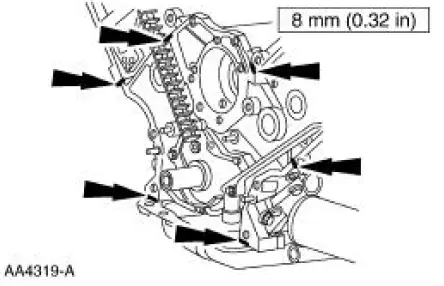
1. Apply silicone gasket and sealant in the locations shown.
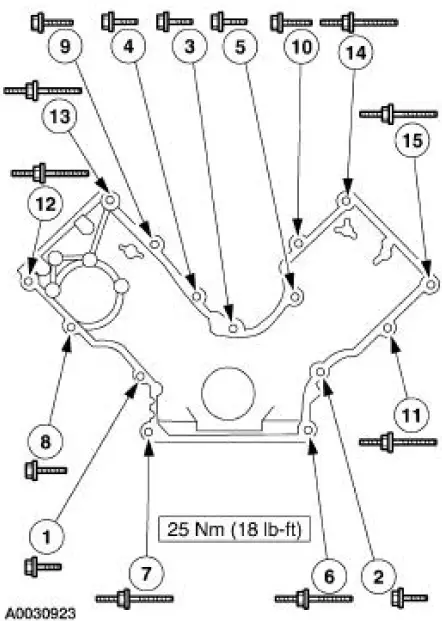
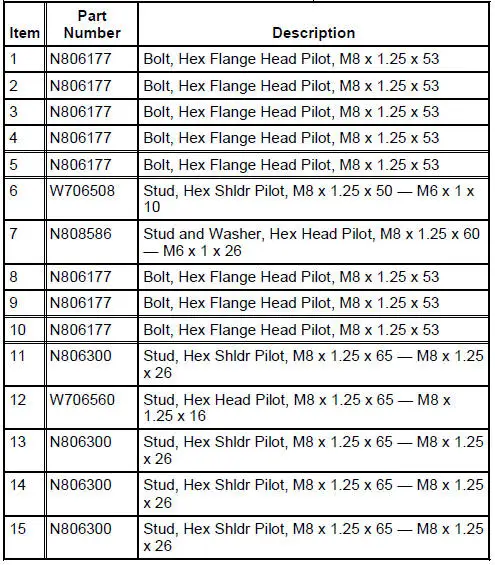
2. Install the engine front cover.
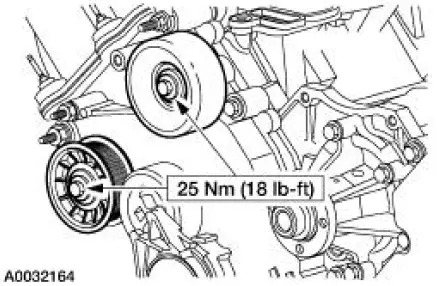
3. Install the belt idler pulleys and the bolts.
4. Connect the CMP sensor electrical connector.
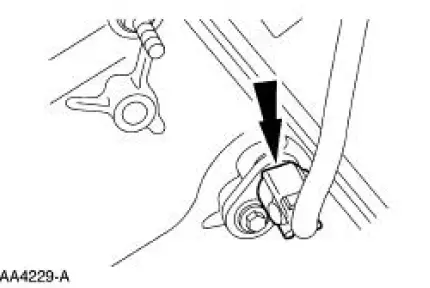
5. Raise the vehicle.
6. Install the crankshaft front oil seal. For additional information, refer to Crankshaft Front Oil Seal in this section.
7. Tighten the four oil pan bolts in the sequence shown.
- Stage 1: Tighten to 2 Nm (18 lb-in).
- Stage 2: Tighten to 20 Nm (15 lb-ft).
- Stage 3: Tighten an additional 60 degrees.
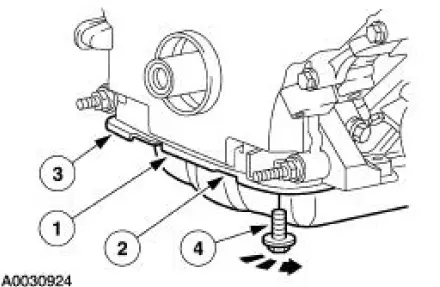
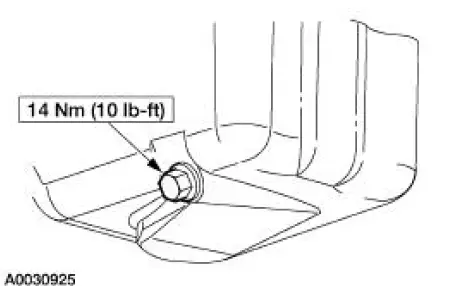
8. Install the drain plug.
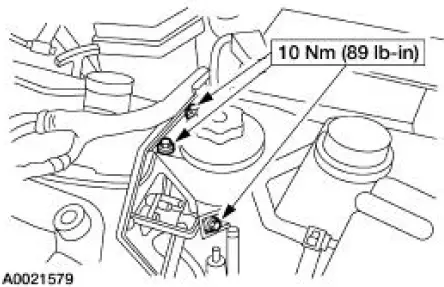
9. Position the power steering reservoir and install the bolts.
10. Connect the CKP sensor electrical connector.
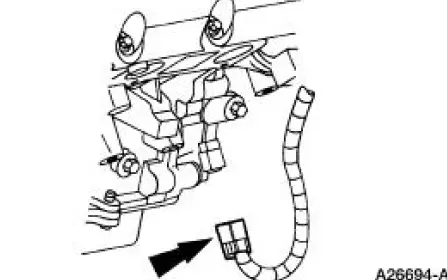
11. Position the A/C muffler and tighten the nut.
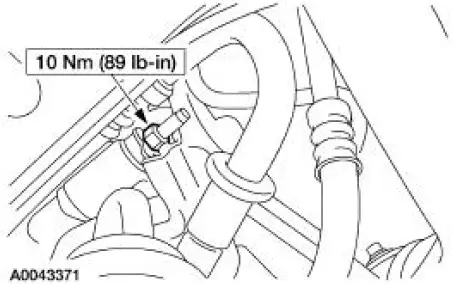
12. Install the power steering pump and the bolts.
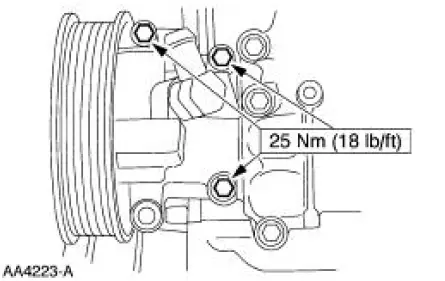
13. Position the battery cable and install the two nuts.
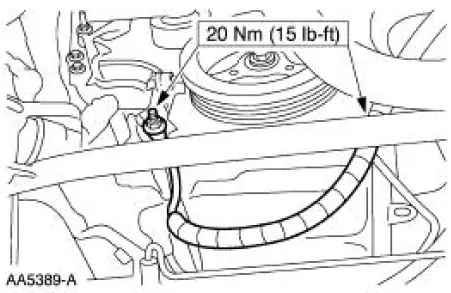
14. Install the crankshaft pulley. For additional information, refer to Crankshaft Pulley in this section.
15. Install the water pump pulley and the bolts.
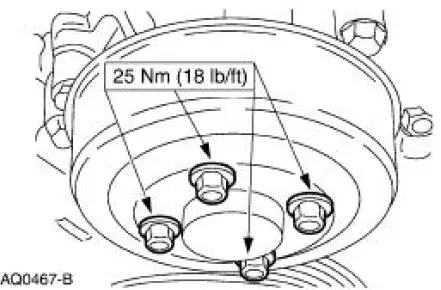
16. Install the cooling fan.
17. Install the accessory drive belt. For additional information, refer to Section
18. Install the valve covers. For additional information, refer to Valve Cover RH and Valve Cover LH in this section.
19. Position the radio ignition interference capacitors and install the nuts.
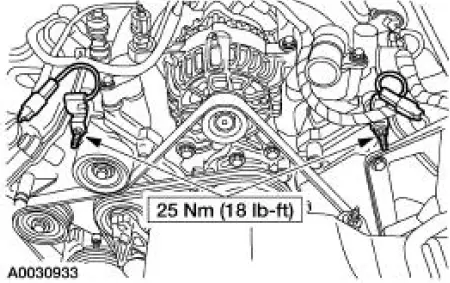
20. Fill the crankcase with clean engine oil.
 Removal
1. Remove the nuts and position the radio ignition interference capacitors
aside.
2. Remove the valve covers. For additional information, refer to Valve Cover
RH and Valve Cover
LH in this section ...
 Timing Drive Components
Special Tool(s)
Compressor, Valve Spring
303-567 (T97P-6565-AH)
Holding Tool, Crankshaft
303-448 (T93P-6303-A)
Aligner, Camshaft Position
303-557 (T96T-6256-B) ...
Other materials:
Normal Schedule
The following checks or procedures should be carried out for all cars,
minivans, light trucks, sport
utilities, vans, 4x4s, natural gas and propane vehicles.
8,000 Km (5,000 Miles)
Change engine oil and install a new oil filter.
Rotate tires and inspect fo ...
Emission control system
WARNING: Do not park, idle, or drive your vehicle in dry grass
or other dry ground cover. The emission system heats up the
engine compartment and exhaust system, which can start a fire.
WARNING: Exhaust leaks may result in entry of harmful and
potentially leth ...
Steering System (Diagnosis and Testing)
Special Tool(s)
Dial Thermometer 0-220F
023-R0007 or Equivalent
Hand Held Automotive Meter
105-R0053 or Equivalent
Power Steering Analyzer
211-F001 (014-00207) or
Equivalent
Spring Scale
211-034 (T74P-3504-Y)
...
