
Ford Mustang (1999-2004) Service Manual: Removal
1. Remove brake master cylinder filler cap (2162). Check brake fluid level in brake master cylinder reservoir (2K478). Remove fluid until brake master cylinder reservoir is half full.
2. Raise and support the vehicle.
3. Remove the wheel and tire assembly. .
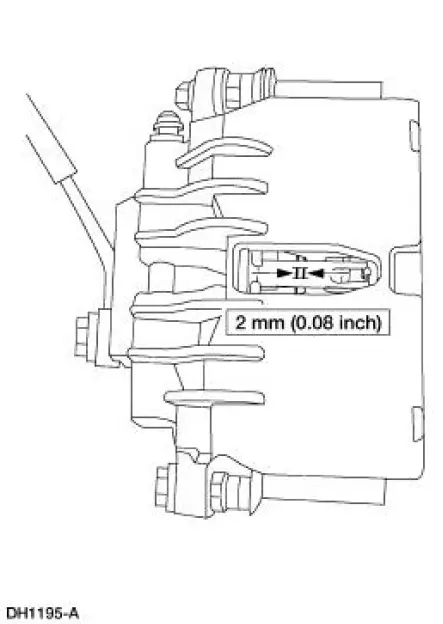
4. CAUTION: Install new pads if worn to or past the specified thickness above the metal backing plate or rivets. Install pads in complete axle sets.
Inspect the pads for wear and contamination.
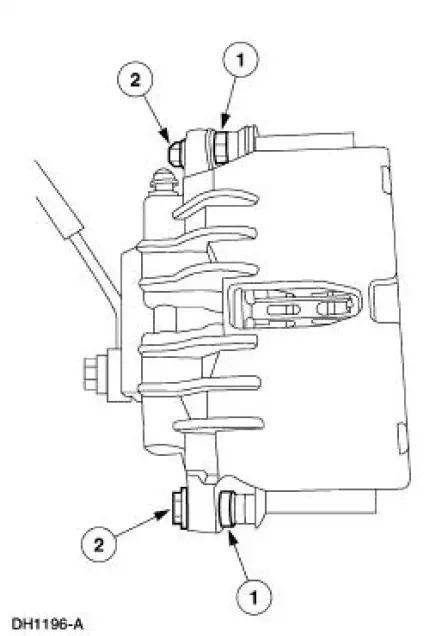
5. Remove the caliper bolts.
1. Hold the guide pins stationary.
2. Remove and discard the caliper bolts.
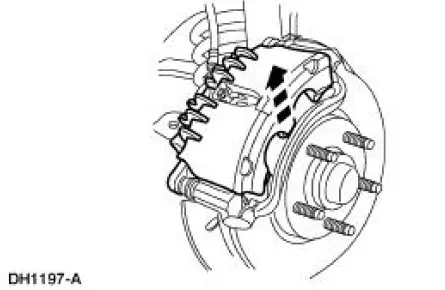
6. CAUTION: Do not pry in caliper sight hole to retract pistons as this can damage the pistons and boots.
CAUTION: When removing the disc brake caliper (2B120), never allow it to hang from the brake hose. Provide a suitable support.
Lift the caliper off the anchor plate (2B292).
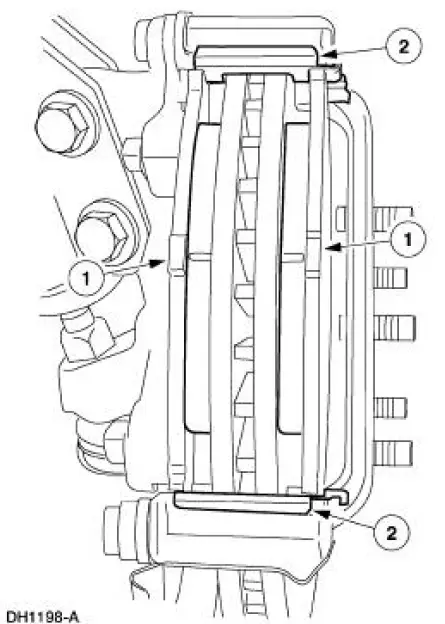
7. Remove the pads and the pad slippers.
1. Remove the pads and verify thickness.
2. Remove and discard slippers.
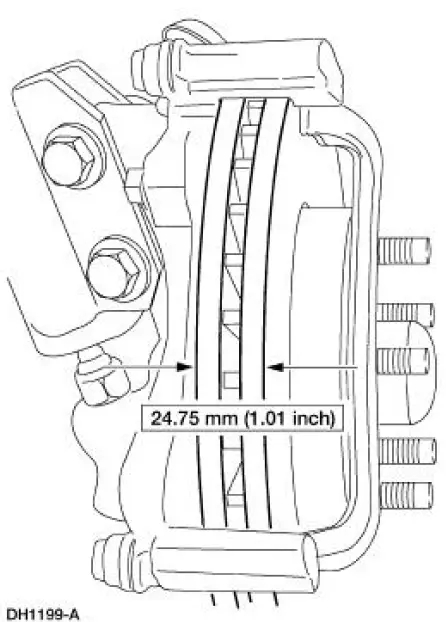
8. Measure the front brake disc thickness.
- Install a new front brake disc (1125) if not within specification.
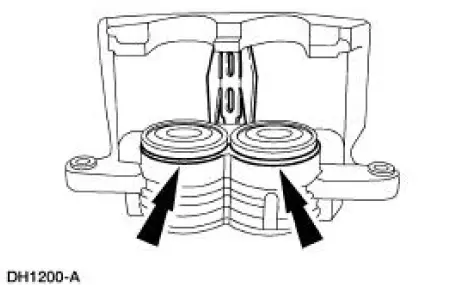
9. Inspect the disc brake caliper.
- If leaks or damaged boots are found, disassembly is required. For additional information, refer to Caliper in this section.
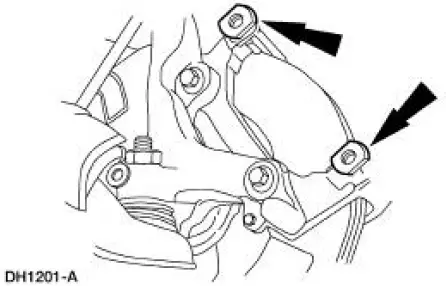
10. Inspect the front disc brake anchor plate assembly.
- Check the guide pin boots for damage.
- Check the guide pins for binding and damage.
- Worn or damaged pins should be installed new.
 Pads
...
 Installation
1. CAUTION: Do not allow grease, oil, brake fluid or other
contaminants to contact the
pad lining material. Do not install contaminated pads.
NOTE: Install all hardware supplied with pad kits. ...
Other materials:
Ignition Switch Lock Cylinder - Non-Functional
Removal and Installation
1. NOTE: Make sure the front wheels are in the straight-ahead
position.
Disconnect the battery ground cable (14301) and wait at least one minute to
allow the depletion
of the restraint system backup power supply.
2. WARNING: To avo ...
Entertainment System - General Information
Audio System (Diagnosis and Testing)
Refer to Wiring Diagrams Cell 130 , Radio for schematic and connector
information.
Special Tool(s)
73III Automotive Meter
105-R0057 or equivalent
Inspection and Verification
1. Verify the customer con ...
Creating a MyKey
Use the information display to create a MyKey.
For Type 1 information displays:
1. Insert the key you want to program into the ignition.
2. Switch the ignition on.
3. Access the main menu within the information display, and press
SETUP using the information d ...
